KARTOZA · ZFS BACKUP
Snapshot, send, sleep well.
A terminal UI for ZFS backups that does the careful, encrypted, incremental work for you — and shows you exactly what's happening, dataset by dataset and snapshot by snapshot, while it runs.
Why it exists
ZFS already has the right primitives for backups — atomic snapshots, incremental send/receive, bookmarks, native encryption. What's missing for most people is a calm, observable way to drive them. Cron + a wall of stderr is the usual answer; the usual outcome is that nobody notices when the chain breaks.
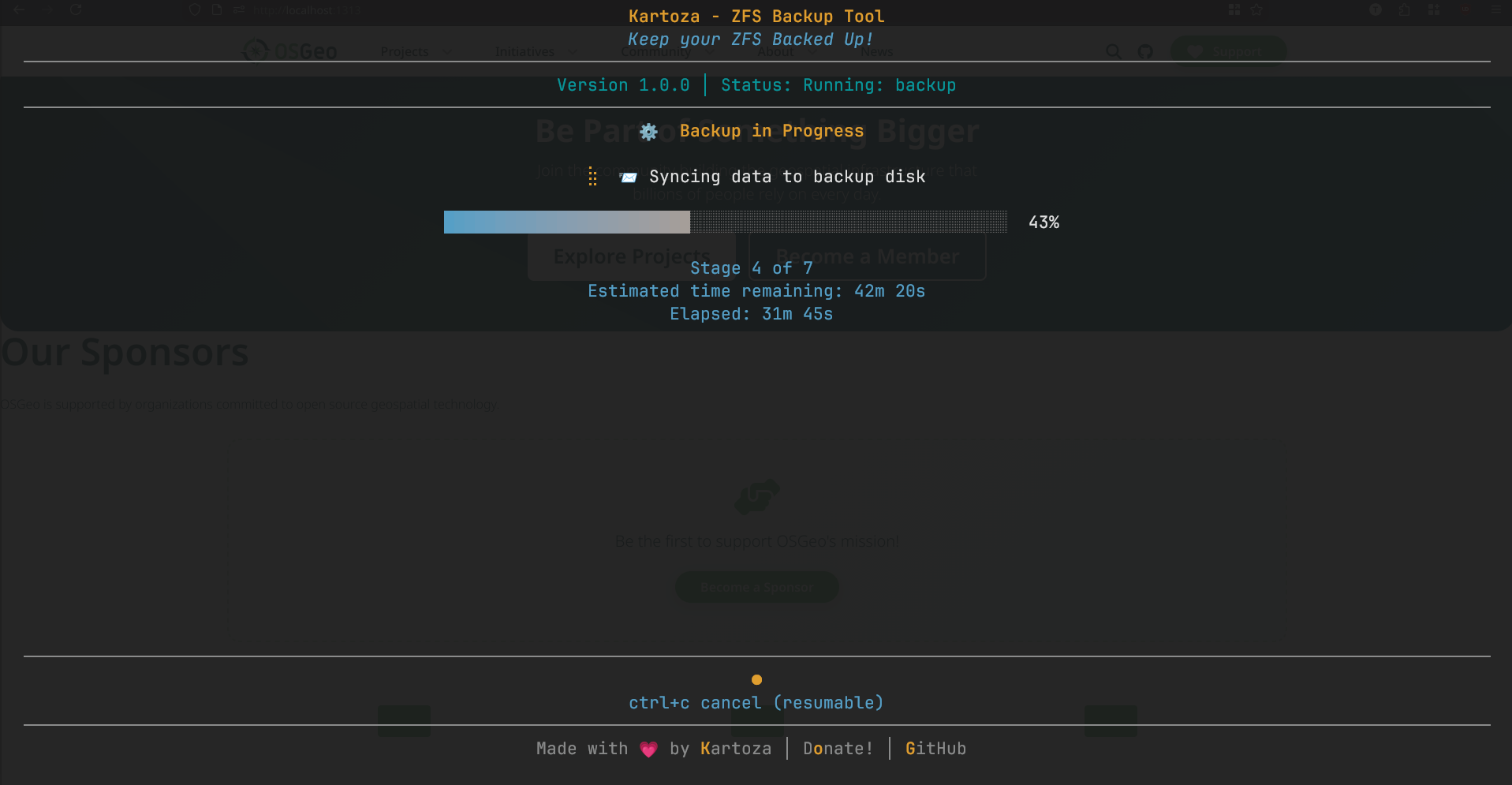
This tool wraps those primitives in a terminal interface that walks you through the whole flow: import the encrypted destination, snapshot the source, send only what changed, prune the chain, eject the disk. Every step is named, timed, and visualised — including a live snapshot-by-snapshot dot grid so you can see the backup catch up rather than guess.
What you can do with it
-
Incremental backups
Snapshot the entire source pool and let
syncoidsend only the changes since the previous run. The destination receives at block level — fast, bandwidth-efficient, and faithful. -
Multi-host on one drive
Every dataset lives under
NIXBACKUPS/<hostname>/<dataset>so multiple machines can share one encrypted disk without colliding. Legacy flat layouts are auto-migrated on first run. -
Pull and push over SSH
Pull snapshots from a remote machine to a local drive, or push local snapshots to a remote backup server — same UI, same progress reporting, same hostname namespacing.
-
Browse and restore
Open any snapshot in a dual-panel file explorer with vim/yazi keybindings, walk the tree, and restore individual files or directories to any location.
-
Encrypted by default
The destination pool is created with ZFS native AES-256-GCM encryption. The key is prompted for on every import; data at rest is never in clear.
-
Full PDF reports
After every run, a markdown + PDF report lands in
~/.local/share/zfs-backup/reports/with timings, sizes, snapshot dot grids, and the full pool inventory.
Install
-
Nix / NixOS
nix run github:timlinux/zfs-backup— straight from the flake, no install step. -
Linux binary
Single static binary on the releases page — drop into
/usr/local/bin/and run withsudo. -
From source
go buildinside thenix developshell. Everything reproducibly pinned via the flake.
Project status


